Stargaze Guides

For Seestar owners

Turn your Seestar captures into photos worth sharing.

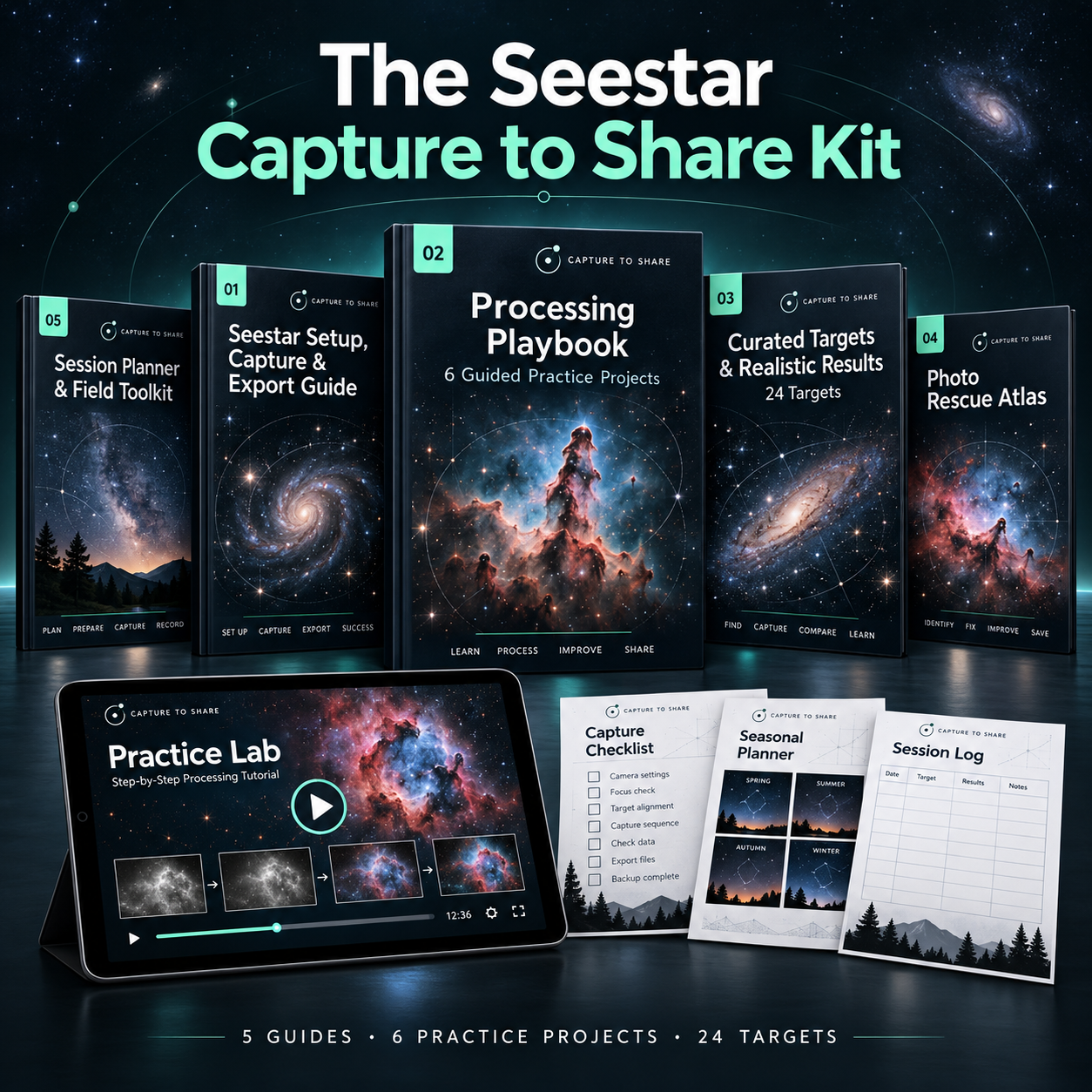
The Seestar Capture to Share Kit — digital kit

Learn on the same Seestar files used in the walkthroughs. Check each stage against a reference image, then apply the workflow to your own captures.

DIGITAL KIT · 5 GUIDES · 6 PRACTICE PROJECTS · 24 TARGETS

  • Know which step comes next—and whether it's working.
  • Spot a problem before you go further.
  • Build a workflow you can reuse on your own files.

60-day money-back guarantee · Computer + free software for processing

The Seestar Capture to Share Kit — digital kit
  • Processing Playbook + 6 Practice Projects
  • Setup, Capture & Export Guide
  • 24 Curated Targets & Realistic Results
  • Illustrated Photo Rescue Atlas
  • Session Planner & Field Toolkit
  • Start Here: Seven Practice Sessions
  • Short subtitled walkthroughs

$39 USD

One-time payment

Digital kit · Keep the purchased edition · 12 months of updates

Edition: Seestar S50 & S30 Pro. Model coverage still being verified.

Full processing workflow: computer required · free software.

Seasonal planner: Northern Hemisphere; check local visibility.

The practice lab

Your stack is done. The detail isn't showing. What do you adjust next?

You bought the telescope for the photos. The kit gives you six guided projects on the same files used in the explanations, so you can check every stage instead of guessing.

  1. 01

    Open the same starting file

    The dataset used in the walkthrough.

  2. 02

    Follow the illustrated steps

    Each adjustment is shown and explained.

  3. 03

    Compare with the reference

    Know whether the stage is working.

  4. 04

    Apply the workflow to your captures

    Repeat it on your own Seestar files.

EVERY PROJECT INCLUDES

  • Starting file. A real dataset, with the exact file to open first.
  • Full walkthrough. Every adjustment shown and explained.
  • Checkpoints. Reference images for each stage of the same capture.
  • Likely mistakes. What usually goes wrong and what to check.
  • Versions noted. Seestar model and software versions used.
Project 01 · Nebula workflow. Results with your own captures depend on your data and observing conditions.

What's inside

Five guides. Each one answers a question you'll actually have.

GUIDE 01 · Seestar Setup, Capture & Export Guide
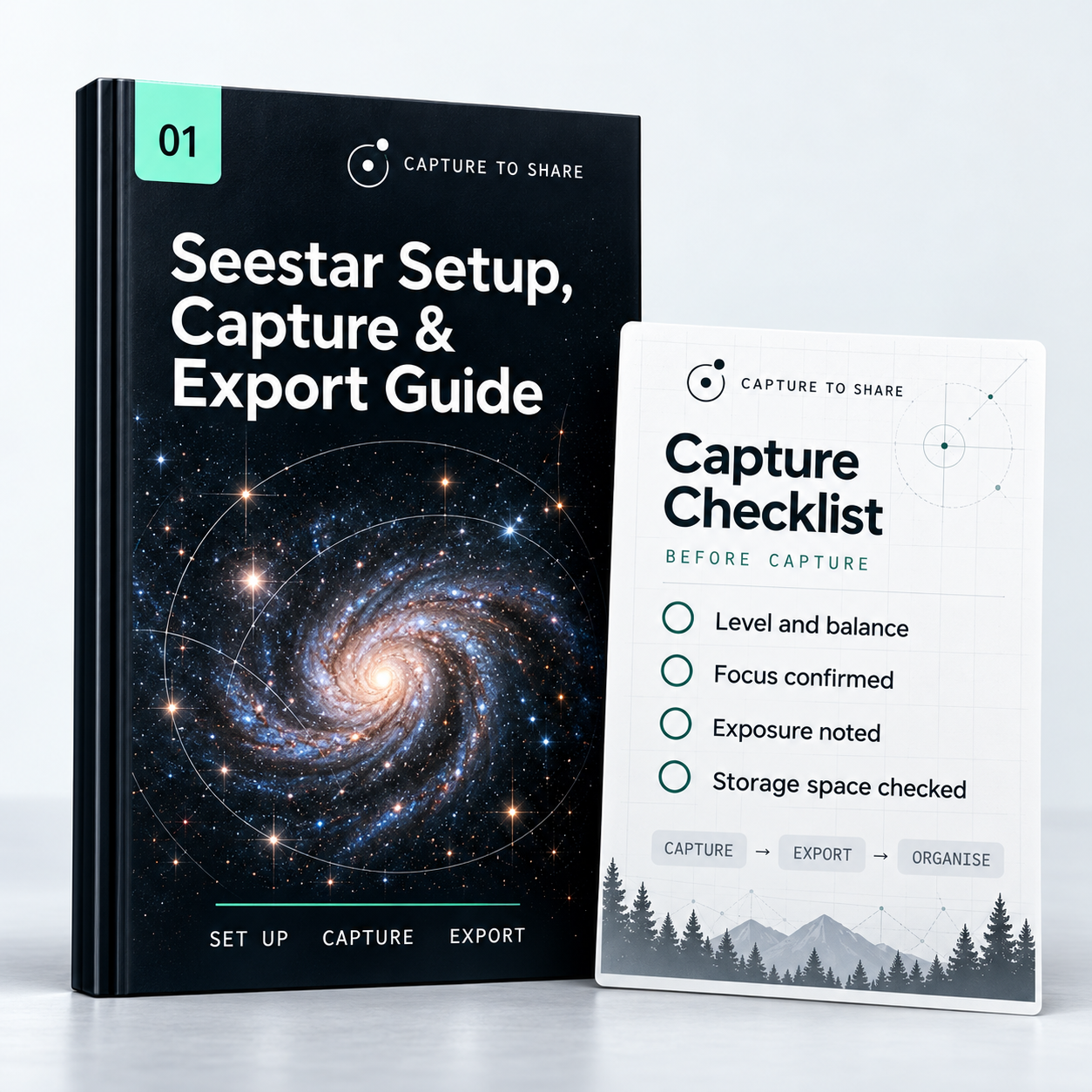
Seestar Setup, Capture & Export Guide — guide cover and included materials

Capture data you can actually process.

Model-specific setup, capture and export checks, so problems are caught at the telescope—not hours later.

  • Setup and capture checklists
  • Data checks before processing
  • Export and file organisation

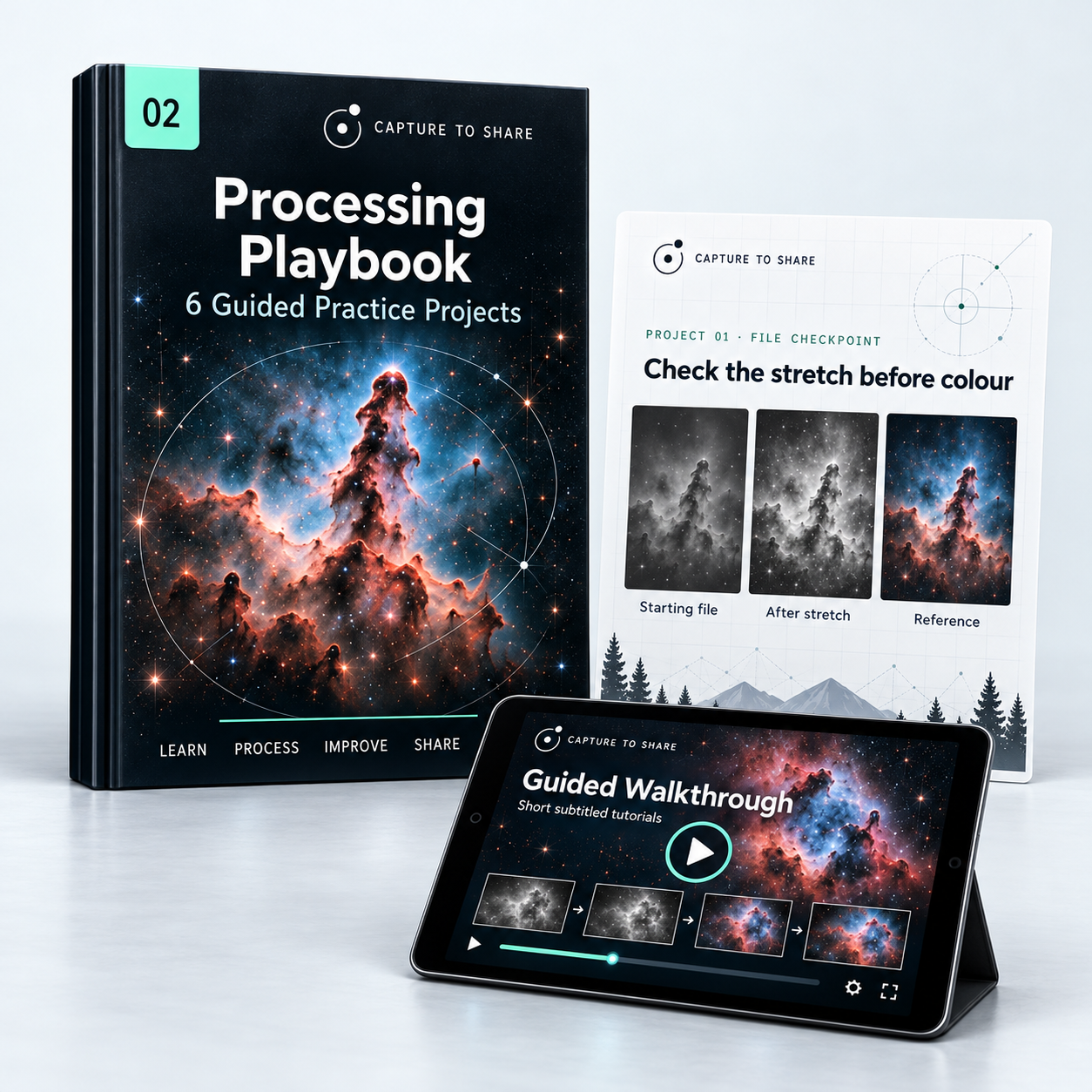
GUIDE 02 · Processing Playbook + 6 Practice Projects

Processing Playbook + 6 Practice Projects — guide cover and included materials

See what each processing step should look like.

Six complete projects with downloadable data, illustrated steps, intermediate checkpoints and final references. Short subtitled walkthroughs included. Free software.

  • Six practice datasets
  • Checkpoints and reference images
  • A core workflow you can reuse

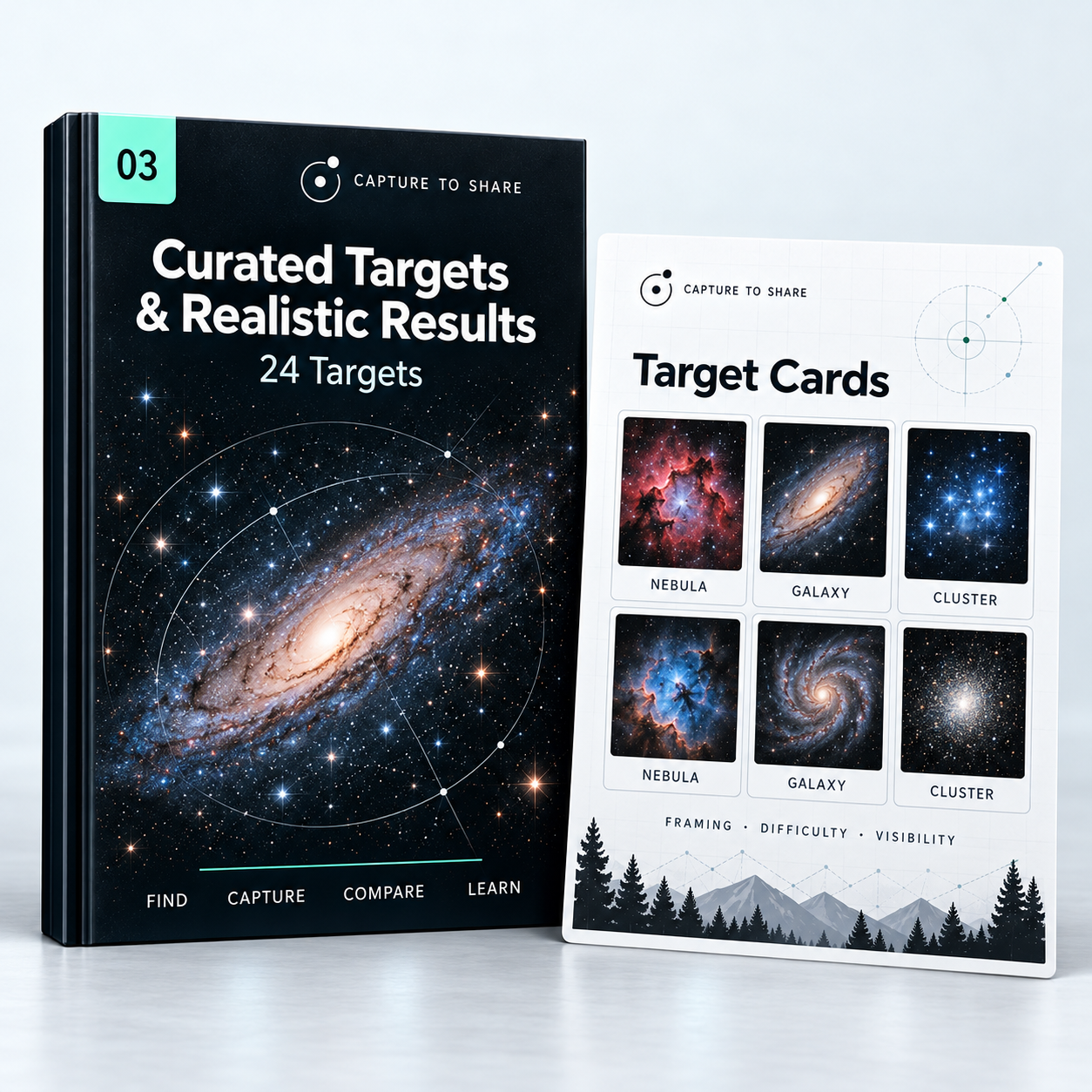
GUIDE 03 · Curated Targets & Realistic Results Guide

Curated Targets & Realistic Results Guide — guide cover and included materials

Choose targets that fit your Seestar and your sky.

24 selected nebulae, galaxies and clusters, with framing, difficulty and realistic expectations for the covered models.

  • Suitability and framing notes
  • Seasonal visibility checks
  • Realistic examples and limits

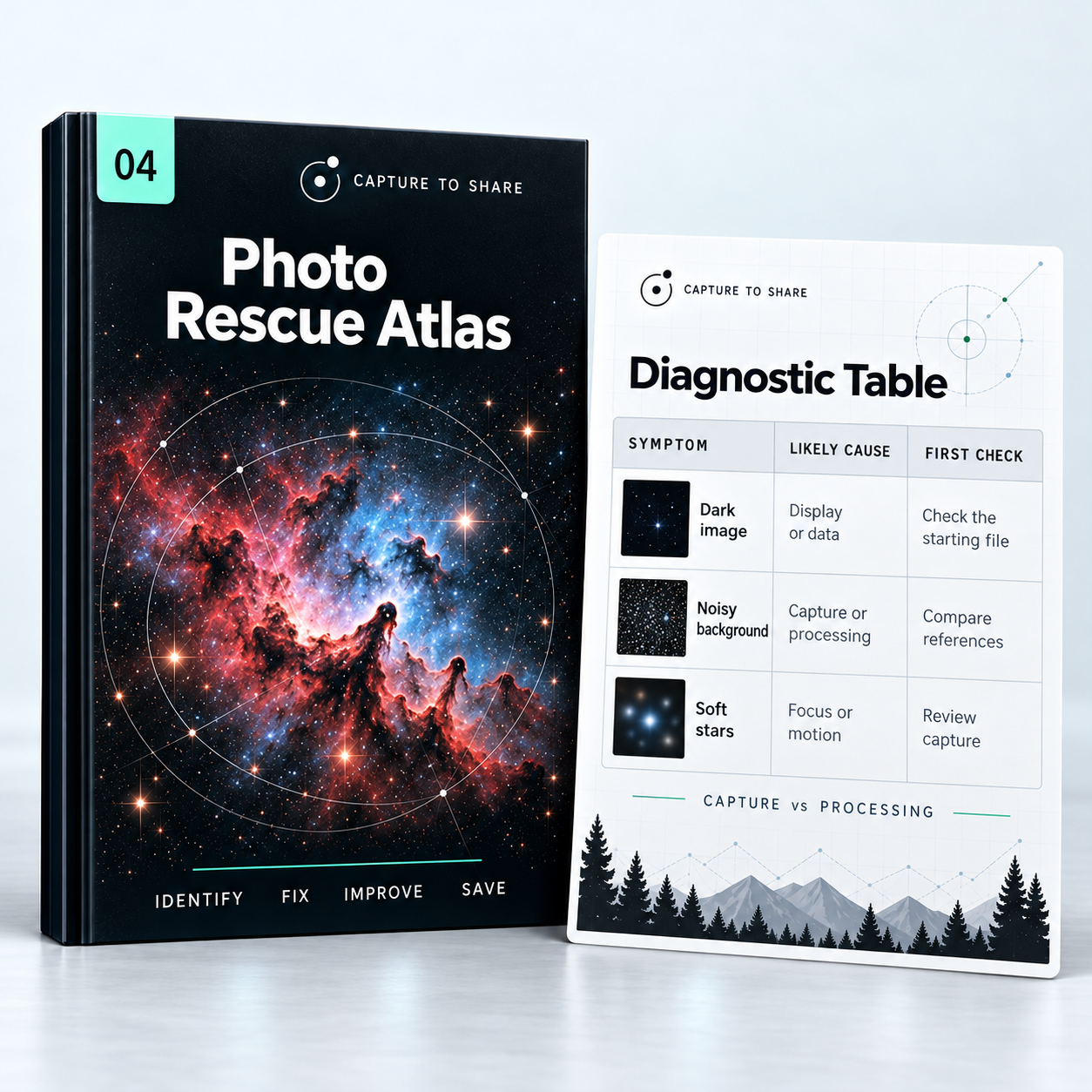
GUIDE 04 · Photo Rescue Atlas

Photo Rescue Atlas — guide cover and included materials

Find out what went wrong—and what to check first.

Illustrated symptoms lead to likely causes and a sensible first check, including when a new capture is the better fix.

  • Symptom → cause → first check
  • Capture vs. processing problems

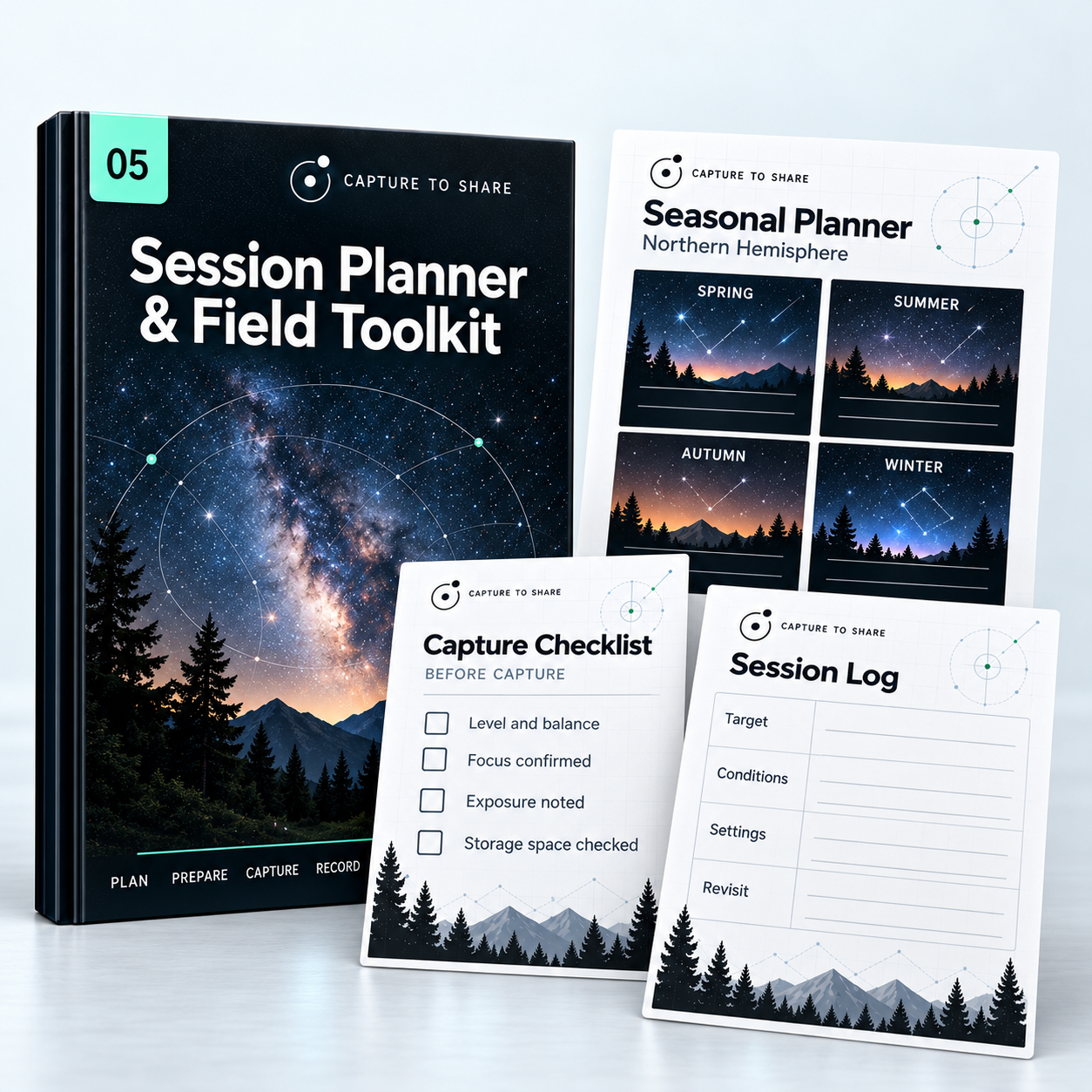
GUIDE 05 · Session Planner & Field Toolkit

Session Planner & Field Toolkit — guide cover and included materials

Plan the night. Keep a record for the next one.

A seasonal planner, printable capture checklist and session log—ready to print or keep on your phone.

  • Northern Hemisphere planning; confirm local visibility
  • Printable checklists and session log

INCLUDED · START HERE

Not sure where to begin? Follow seven practice sessions at your own pace.

Use the included data on cloudy nights; return to your own captures when the sky clears.

  1. 1Get oriented
  2. 2Check your setup
  3. 3Choose a target
  4. 4Capture and inspect
  5. 5Export and organise
  6. 6Follow a practice project
  7. 7Share and review

ALSO IN THE KIT

Start Here: Seven Practice Sessions

A self-paced path from first setup to your first shared image.

Seestar Model Quick Cards

Model-specific checks and settings for each covered Seestar.

In preparation — not shown on the live page until ready.

City Sky & Moonlight Quick Guide

Which projects to choose—and what to expect—under bright skies or moonlight.

In preparation — not shown on the live page until ready.

Inside Guide 05 · Field Toolkit

A plan for the night. A record for the next one.

Three tools from the Session Planner & Field Toolkit, ready to print or keep on your phone.

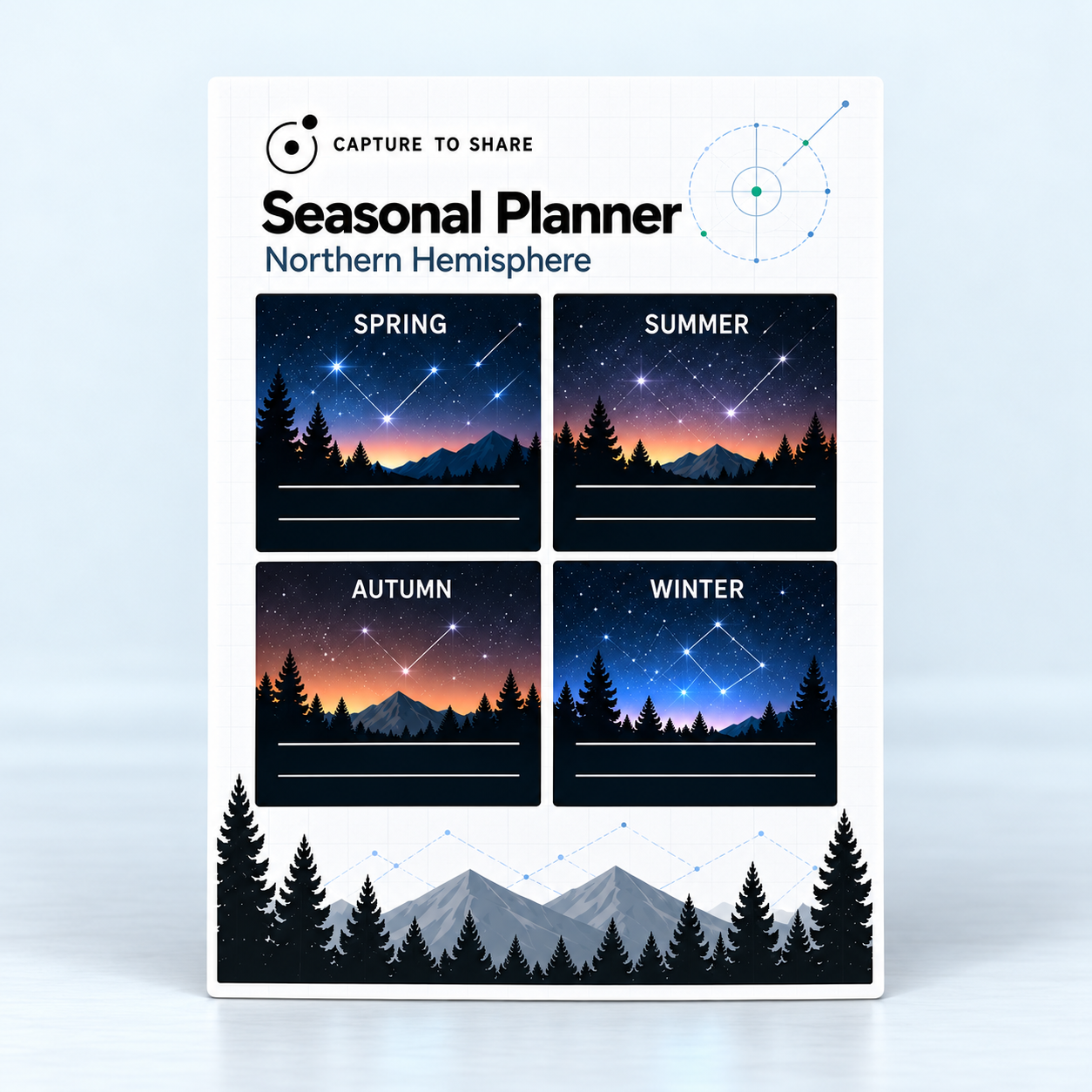
Seasonal planner — Capture to Share

Seasonal planner

Build a shortlist, then confirm what is visible from your location.

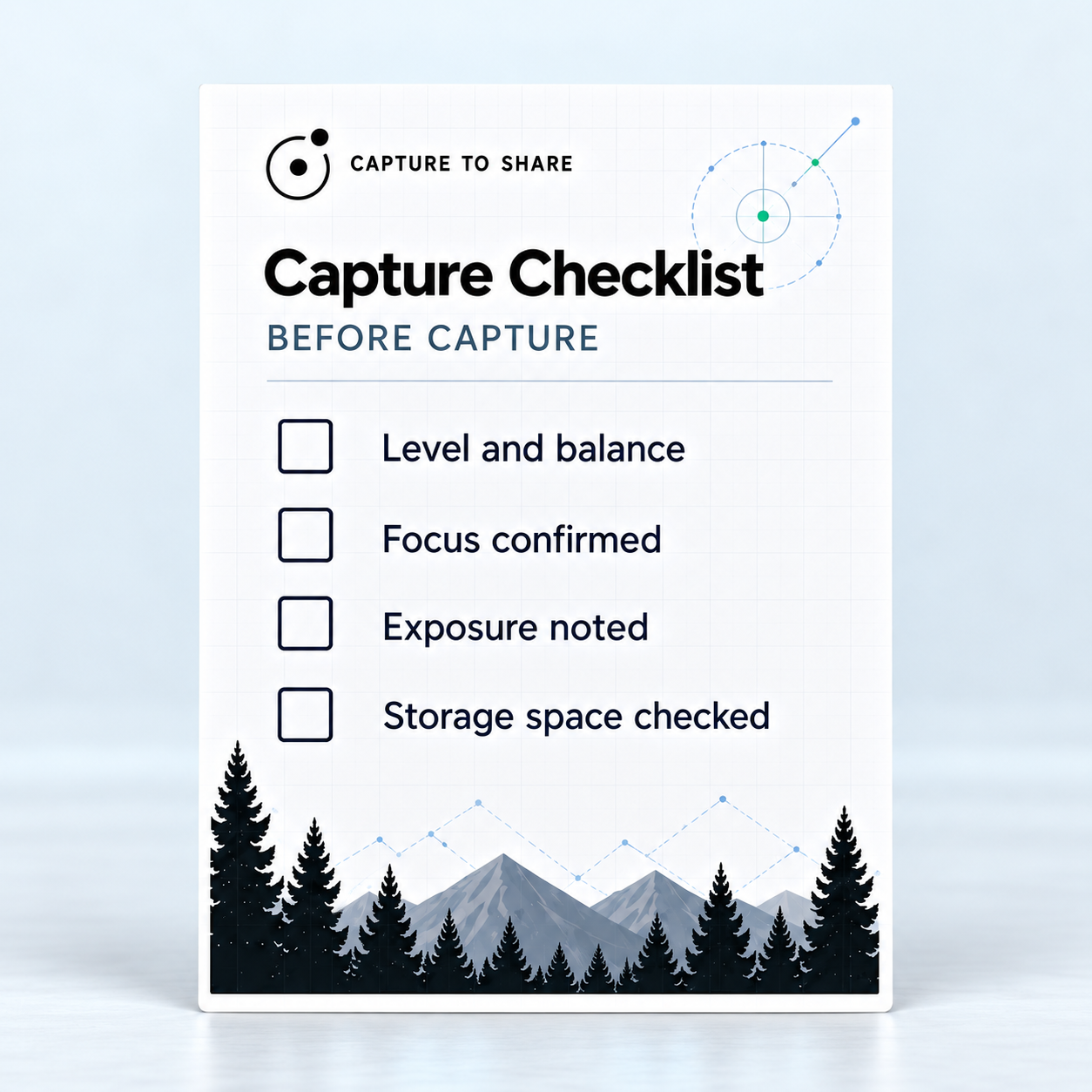
Capture checklist — Capture to Share

Capture checklist

Keep the essential checks beside your telescope.

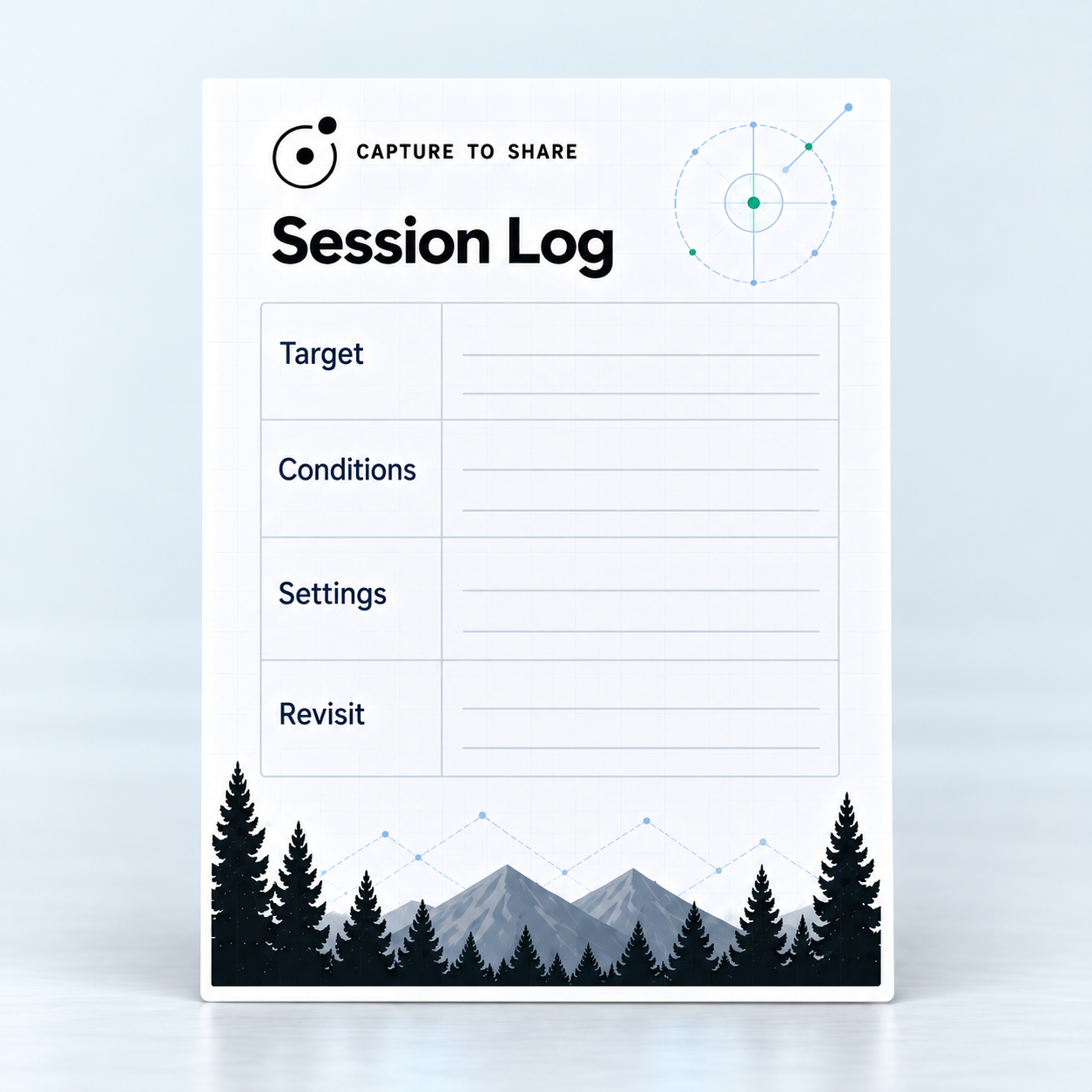
Session log — Capture to Share

Session log

Record the target, conditions and settings worth revisiting.

Northern Hemisphere planning edition. Confirm local visibility, conditions and your horizon before observing.

Included · Start Here

Start with your next step.

Seven guided sessions. Your own pace.

Seven practice sessions, at your pace. Use the included data when the weather keeps you indoors, and return to your own captures when conditions allow.

Quick-reference checklists

Part of the Field Toolkit

Processing checkpoints

Part of the Playbook

START HERE · SEVEN PRACTICE SESSIONS

  1. 1Get oriented.
  2. 2Check your setup.
  3. 3Choose a suitable target.
  4. 4Capture and inspect.
  5. 5Export and organise.
  6. 6Follow a practice project.
  7. 7Share and review.

Everything you need to go from raw capture to a photo you're proud to share.

The complete kit, one payment of $39.

practical guides
5
practical guides
guided practice projects
6
guided practice projects
curated targets
24
curated targets
The Seestar Capture to Share Kit — digital kit
  • Processing Playbook + 6 Practice Projects
  • Setup, Capture & Export Guide
  • 24 Curated Targets & Realistic Results
  • Illustrated Photo Rescue Atlas
  • Session Planner & Field Toolkit
  • Start Here: Seven Practice Sessions
  • Short subtitled walkthroughs

$39 USD

One-time payment

Digital kit · Keep the purchased edition · 12 months of updates

Edition: Seestar S50 & S30 Pro. Model coverage still being verified.

Full processing workflow: computer required · free software.

Seasonal planner: Northern Hemisphere; check local visibility.

60 days to explore the kit.

If the kit isn't right for you, contact us within 60 days of purchase to request a refund. See the Refund Policy for details.

FAQ

Questions before you buy.

Five practical guides, six downloadable practice projects with processing references, short subtitled walkthroughs, printable field tools and the Start Here path. This is a digital product; no telescope or printed books are shipped.

Your next clear night can end with a photo you want to share.

$39 one-time · 60-day money-back guarantee